Orderly

Orderly

New apps we love
With a million satisfied users of our Apps and growing ...

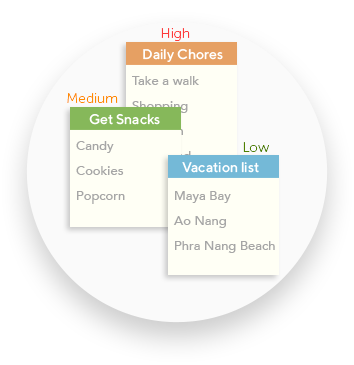
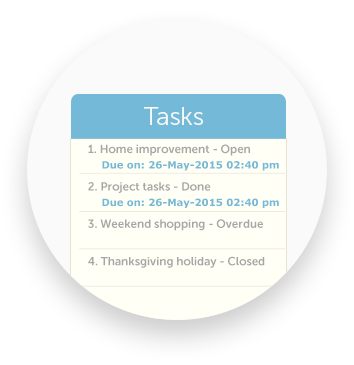
Orderly is designed based on how the human-mind visualizes to-do lists! Shown in three levels at a glance, you can quickly decide which ones to work on and whats coming soon. Set note colors, fonts and font sizes to visually aid you in classifying the todos.

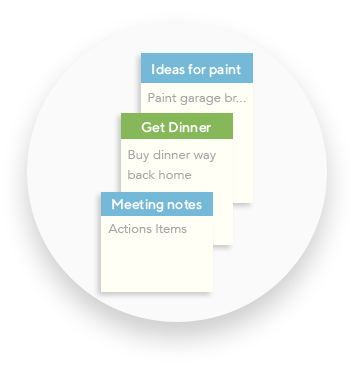
Whether its ideas, reminders or notes, Orderly makes it simple for you, to note it down quickly. Set reminders for the entire note or individual items.

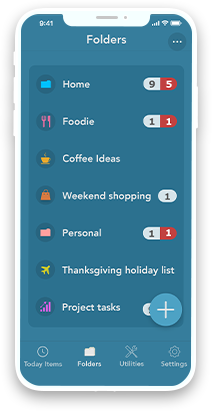
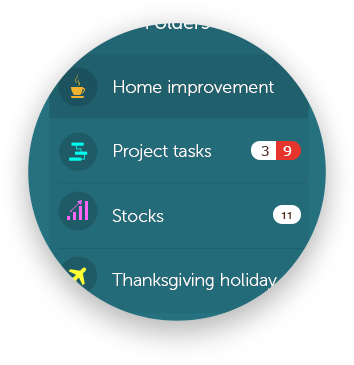
Orderly can now create unlimited number of folders as categories for to-dos and set customized icons for your folders, edit folder names,reorder folders and folder level notification for high priority to-dos and overdue to-dos.

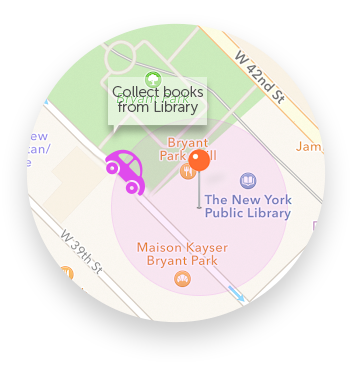
Location based reminders is a powerful reminder option where you can set a particular location as a reminder for a task at hand. When you drive nearby that location, you get notified of the task or todo.

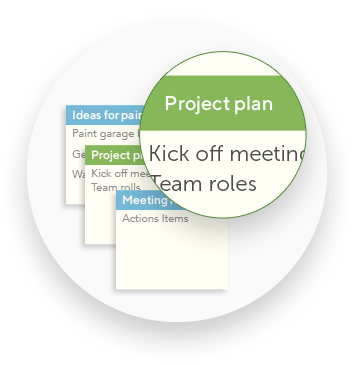
Search instantly across all Folders. Search within any content of your to-dos to quickly locate a to-do.

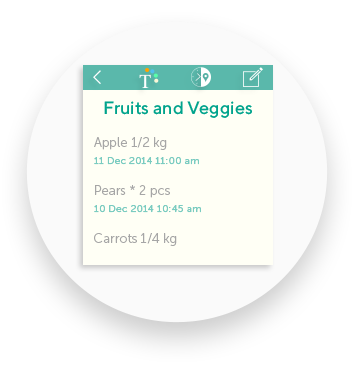
You can set date and time for the entire todo list or for individual items within the list. Setting a date and time for the individual items, notifies you of the specific to-do item at a particular time of the day, on the iPhone notifications.

You can make your list to remind you daily, weekly, fortnightly, monthly, bi-monthly and Yearly.

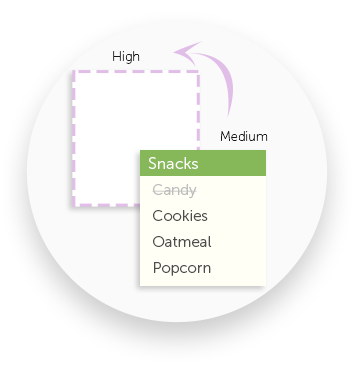
Just set a priority for a todo list and Orderly automatically prioritizes your list and reminds you when the time is up for the todo.

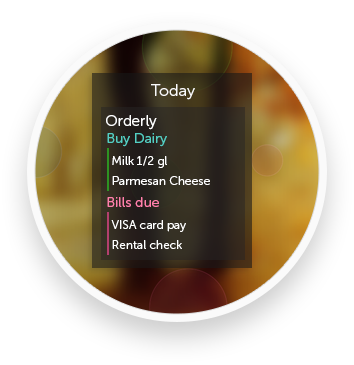
Orderly neatly gives you a glance of today's todos in the Today pull down of the iPhone/iPad. This allows you to quickly check on today's to-do list items even without having to open the App.

You can print your to-do using print option.

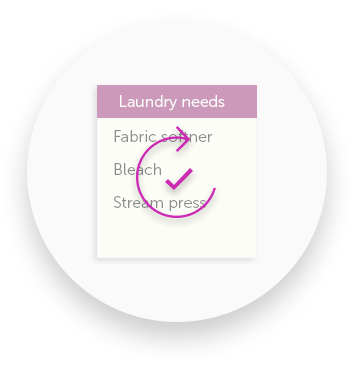
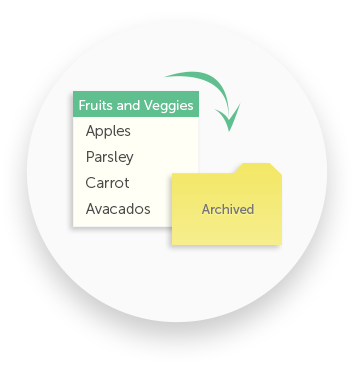
The completed to-do lists moves to the Archives. You can search the entire Archive of lists instantly. You can restore a old list from the Archive to start again.
Don't just take our word for it! We think Orderly is the best to-do app you will ever use, and we think you will too!